Three Evernote Alternatives for Apple Users

Evernote was once the 🐐 of note-taking apps, but years of mismanagement took a toll. In November 2022, Bending Spoons acquired the company and has made some improvements, but it recently raised prices dramatically and severely limited the free tier. As a result, many long-time users have finally hit their breaking point and are looking to get out.
If you’re shopping around (Evernote user or not), here are three great options for a new home for your notes.
BEAR
Bear is my primary app for taking notes. It’s a beautiful and elegant app with a strong set of features. It also supports a wide variety of formats for exporting notes.
-
Runs on macOS, iOS, iPadOS, visionOS, watchOS
-
iCloud sync
-
Encryption for notes
-
OCR search inside photos and attachments
-
Linking to other notes inside of a note
-
Powerful and flexible tagging system (similar to folders)
-
Apple Pencil support on iPad
-
No collaboration or shared notes
-
Imports Evernote Export files (.enex files)
-
Exports to Plain Text, Markdown, TextBundle, Bear Note, Rich Text, HTML, Word, PDF, JPEG, and ePub
Price: Free version (limited features), Bear Pro $2.99/mth or $29.99 /year.
Web: https://bear.app

CRAFT
I left Evernote for Craft in 2020, and I left Craft for Bear last year because I prefer Bear’s interface and it feels better to me. That said, Craft is a powerful app that focuses more on teams and collaboration but is still really good for an individual user.
-
Runs on macOS, iOS, iPadOS, visionOS, Windows, and web
-
Craft sync with support for local storage spaces
-
Slash ( / ) commands to quickly insert tables, images, formatting, etc.
-
Powerful collaboration and document linking
-
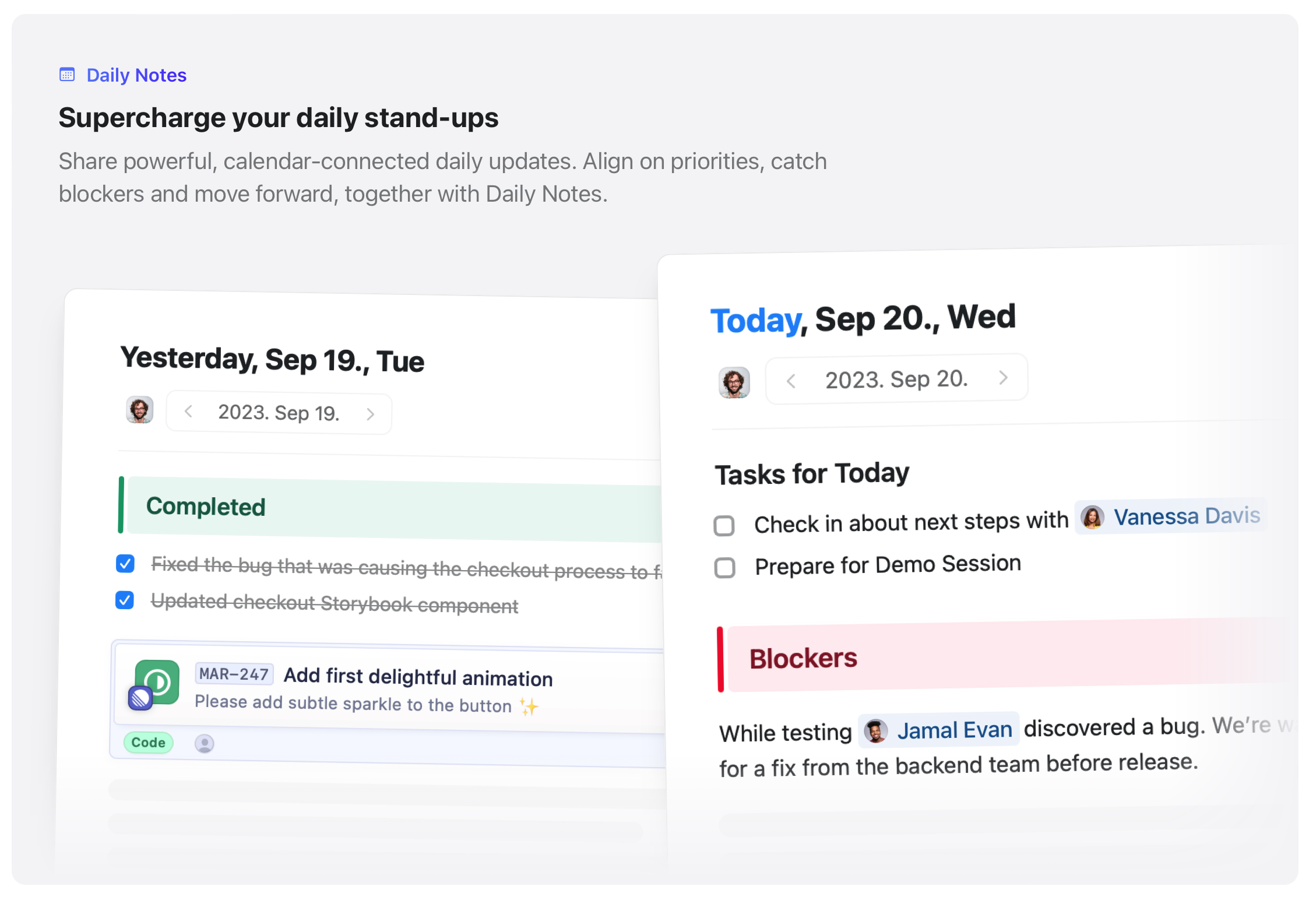
Daily Notes with Calendar Integration
-
To-Do lists with notifications
-
Apple Pencil support on iPad
-
Does not support Evernote Export files; you’ll need to convert to Markdown and then import
-
Exports to Markdown, TextBundle, PDF, and Word
Price: Free version (limited docs allowed), paid plans start at $8/mth.
Web: https://www.craft.do
APPLE NOTES
Over the years, Apple has consistently updated the Notes app and it’s become an excellent app. And it’s free and comes loaded on every new Mac, iPhone, iPad, and Vision Pro.
-
Runs on macOS, iOS, iPadOS, visionOS, and web
-
iCloud sync
-
Quick Notes
-
Easy to share notes and collaborate with others
-
Scan documents directly into a note
-
Lock notes for privacy
-
Apple Pencil support on iPad
-
Imports Evernote Export files (.enex files)
-
Only exports to PDF; this will make it difficult to get your notes out
Price: Free, but you may need to upgrade iCloud storage if you’re on the 5GB plan.
Web: Apple Notes User Guide

If you have any questions on Bear, Craft, or Notes, don’t hesitate to reach out on Threads! I’d be happy to help!
NOTE: This article originally appeared in my newsletter. If you enjoy content like this, you'd probably enjoy it as well. You can sign up for free here and it's easy to unsubscribe if it's not a good fit.


The Boys of Summer