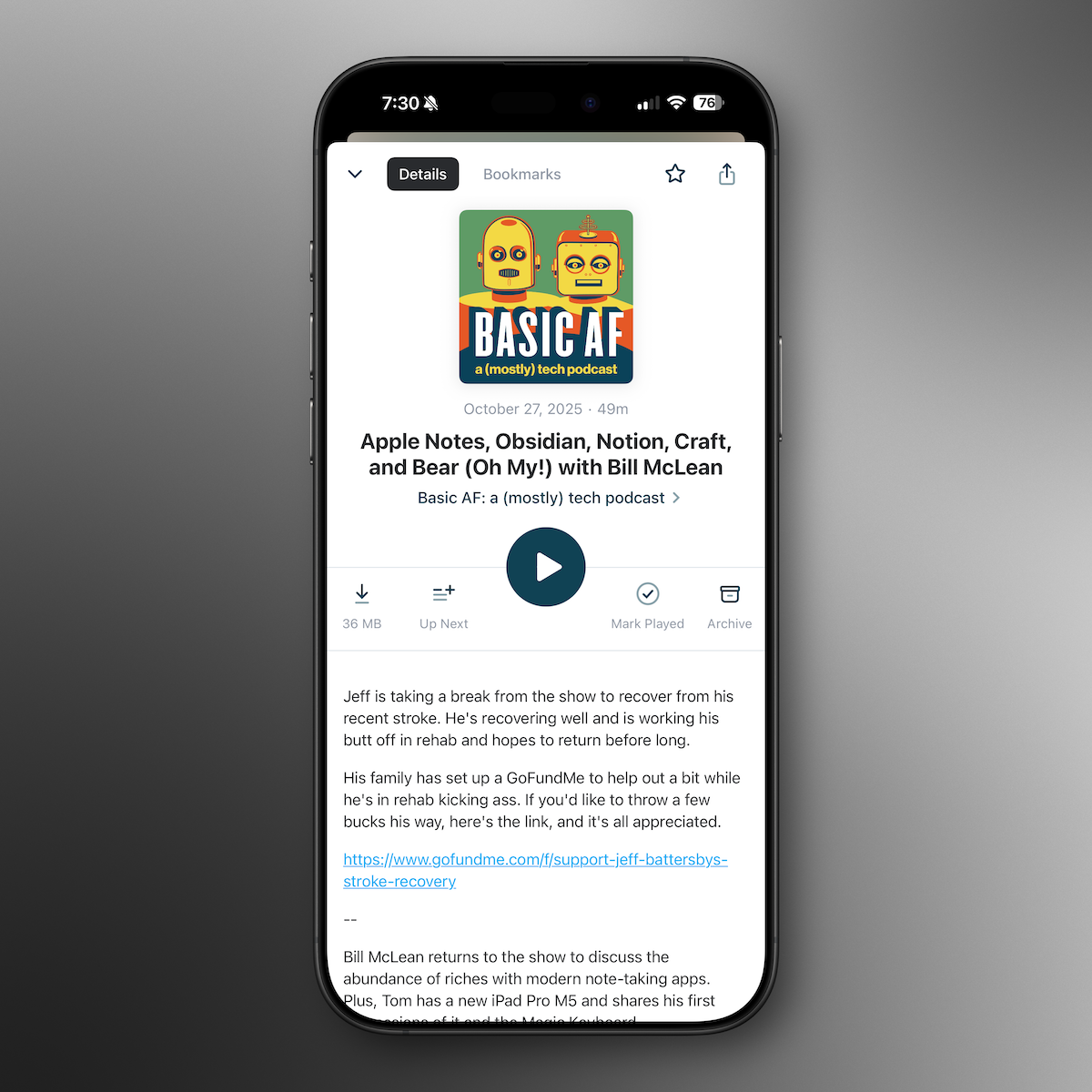
The Big Tips & Tricks Show


In this episode:
- Jeff’s stuff gets stolen and Gannon Nordberg sits in
- Yellow iPhone 14
- New iPhone cases and Apple Watch Bands
- Apple Maps expands city experience to Boston
- How to set up Find My on your devices
- 18 Tips & Tricks for iOS/iPadOS, Mac, and Apple Watch!
Links from the show:
- iPhone 14 and iPhone 14 Plus in Yellow Launches Today, Apple Store Pickup Now Available
- Apple launches fresh spring colors for iPhone cases and watch bands
- Apple Maps Expands Detailed City Experience With 3D Landmarks to Boston
- Set up Find My on your iPhone, iPad, iPod touch, or Mac
- If your iPhone, iPad, or iPod touch is lost or stolen
- If Find My iPhone or Find My iPad isn't enabled on your missing device
- Save keystrokes with text replacements on iPhone
- Using Search on your iPhone, iPad, or iPod touch
- Record your screen on iPhone, iPad, or iPod touch
- Use Reminders on your iPhone, iPad, or iPod touch
- Send files from Files on iPhone
- Add and log medications with iPhone and Apple Watch
- Type with onscreen keyboard on iPhone
- Customize headphone audio levels on your iPhone or iPad
Oops! There were so many tips we ran out of space for the links here! No worries, you
Question or Comment? Send us a Text Message!
Contact Us
- Drop us a line at feedback@basicafshow.com
- You’ll find Jeff at @reyespoint on Threads and @reyespoint@mastodon.sdf.org on Mastodon
- Find Tom at @tomfanderson on Twitter, and @tomanderson on Threads
- Join Tom’s newsletter, Apple Talk, for more Apple coverage and tips & tricks.
- Show artwork by the great Randall Martin Design
Enjoy Basic AF? Leave a review or rating!
- Review on Apple Podcasts
- Rate on Spotify
- Recommend in Overcast
Intro Music: Psychokinetics - The Chosen
Show transcripts and episode artwork are AI generated and likely contain errors and general silliness.
00:00 - Jeff's Stuff is Stolen!
02:58 - Intro
04:24 - Review Shout-out!
05:09 - Yellow iPhone 14
06:25 - Spring Bands For Apple Watch
09:01 - Apple Maps - Boston Experience
12:41 - Tips & Tricks Begin
13:20 - Apple's Find My Service
15:19 - Activation Lock
17:09 - Text Replacement
20:34 - Open Apps With Spotlight
22:11 - Screen Recording
23:50 - Location-based Reminders
25:40 - Scanning Docs With Files.app
28:19 - Health App's Medications
31:08 - Level Up Text Selection
32:41 - Improving Sound of AirPods
36:15 - Back Tap
38:28 - Mac Tips
39:45 - Organizing With Stacks
41:30 - Home Folder Shortcut
43:14 - Managing Windows
50:05 - Apple Watch Tips
50:12 - Control Center Tools
53:23 - Apple Watch Dock
55:49 - Walkie Talkie
58:04 - Workout App Tips
01:01:18 - Sharing Watch Faces
01:04:03 - Check The Show Notes
01:04:45 - Closing